Join Our Membership
Maxthon Membership Program
Unlock Premium Features and Services

Maxthon Browser Membership offers a suite of additional features and benefits designed to elevate your browsing experience. With membership, you can enjoy super bookmarks, additional video download attempts, early access to new features, and earn gold coins through automatic check-ins. You can use the gold coins to purchase a membership, which means you might not need to spend any money. Activating your Maxthon Browser Membership is simple: visit the Maxthon Membership page, choose a plan that suits your needs, sign up or log in, and complete the process. Experience a more powerful and personalized web navigation with Maxthon's Membership. For more details, visit the Maxthon Membership page.

Becoming a Maxthon member has enhanced my browsing experience with super bookmarks and extra video download attempts.
Mar 2021

The exclusive features and priority support make the membership totally worth it. Highly recommend!
Aug 2023

I love the early access to new features. Being a member makes my browsing experience so much better.
Dec 2023

Maxthon membership has enhanced my browsing with useful features and extra video download attempts. Worth the investment!
Feb 2023

The additional features and enhanced support make the membership great value. I recommend it to all heavy users.
May 2024
VIP is the browser-side gold-tier membership you can obtain with Maxthon gold. Media Plus and Maxthon Pro are paid bundles that add benefits such as unlimited video downloads (where offered) and higher AI/mail/cloud tiers. Exact quotas, prices, and what you see after sign-in are defined on the member center. A fuller explanation is in our membership subscription FAQ.
Open the Maxthon member center, choose VIP, Media Plus, or Pro as offered in your region, sign in or create an account, and complete checkout. If you are converting remaining VIP time into Media/Pro time, follow the on-page flow after payment.
Membership bundles and per-product subscriptions (for example video download, UUGPT, UUMail) can each have their own billing. If both are active, the higher feature tier usually applies; see what the member center shows. More detail is in Q4 and related answers.
For Maxthon VIP / Media Plus / Pro as a whole, use the member center. For standalone product subscriptions (video, GPT, mail, cloud on other sites), cancel or manage renewal in that product’s own billing page—the Maxthon page cannot cancel third-party subscriptions.
Refund and billing rules are covered in the Maxthon Browser Member Service Agreement. After a successful payment, status can take a short time to sync—refresh or try again. For billing disputes, duplicate charges, or mismatched benefits, contact support using the channels shown in the member center, and see the full FAQ.
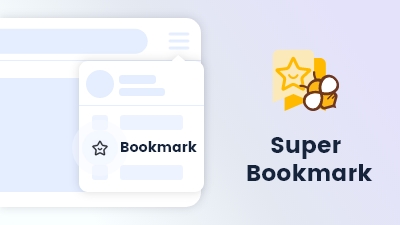
Maxnote as default bookmarks and set note folders to display in the bookmarks bar for seamless access.
Learn more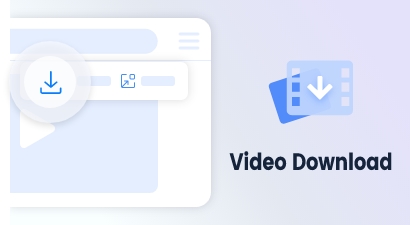
Accessible via a button on the video float bar, supports direct downloads for most videos.
Learn more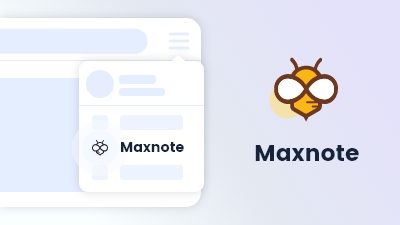
Maxnote is a powerful knowledge manager; organize notes and URLs efficiently in one place.
Learn more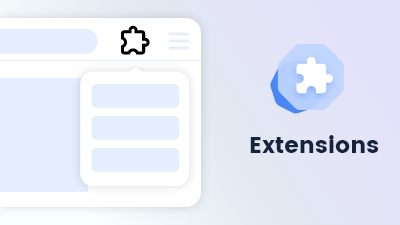
Customize and extend your browsing experience to meet your specific needs and preferences.
Learn more